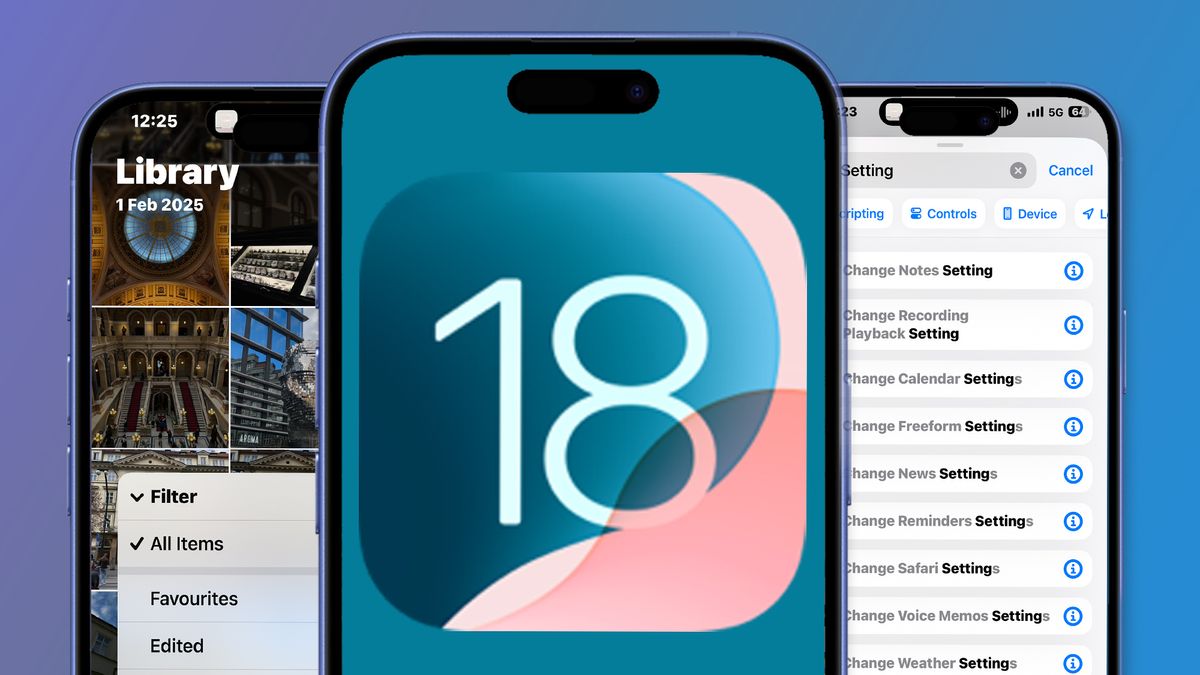
Why iOS 18.4.1 Deserves Your Attention
Every iOS update from Apple carries more than just tweaks—it’s about ensuring millions of iPhones stay secure, fast, and functional. While iOS 18.4.1 may seem like a small incremental change, it carries critical security patches, battery life improvements, and performance stability updates that users have been eagerly awaiting.
If you’ve been wondering whether to update, what’s changed, or how this update compares to iOS 18.4, this guide gives you a complete breakdown—in simple language and with verified details.
What Is iOS 18.4.1 and Why Was It Released?
iOS 18.4.1 is a minor update, released as part of Apple’s regular cycle of maintaining the iOS ecosystem. However, it focuses on urgent bug fixes and a serious WebKit security vulnerability that had been exploited.
Key Purposes of iOS 18.4.1:
- Fix major vulnerabilities reported globally
- Address app stability issues and system glitches
- Improve battery performance, especially on older devices
- Prepare for the transition to iOS 18.5 and beyond
This update is vital for any user concerned about privacy, performance, or app functionality.
iPhones That Support iOS 18.4.1
Any iPhone that supports iOS 18 will receive the 18.4.1 update. Here’s a complete list for clarity:
- iPhone 15 series
- iPhone 14 series
- iPhone 13 series
- iPhone 12 series
- iPhone 11, XS, XR, X
- iPhone SE (2nd and 3rd Gen)
- iPhone 8 and 8 Plus
⚙️ Tip: To check if the update is available, go to Settings > General > Software Update
Detailed Features & Improvements in iOS 18.4.1
🔒 Security Patch: WebKit Vulnerability Fixed
Apple confirmed that a WebKit exploit (used by Safari and many iOS apps) was being actively exploited in the wild. iOS 18.4.1 resolves this by improving memory handling and closing the exploit loophole.
📚 Learn more on Apple’s official security updates page.
🔋 Better Battery Life for Older Devices
If you’re using an iPhone 11 or older, you may have noticed faster battery drain with iOS 18.4. Apple has optimized background app activity and screen refresh rates to offer more efficient power usage in this update.
📉 Stability Fixes for Background App Crashes
Users reported random crashes of Safari, Mail, and Spotify. With 18.4.1, memory management has improved, reducing the frequency of crashes during multitasking or long app usage sessions.
🚘 CarPlay & Bluetooth Connectivity Boosts
For users experiencing CarPlay disconnections or Bluetooth audio dropouts, Apple has improved firmware communication protocols, especially for 2024 and 2025 vehicle models.
iOS 18.4 vs iOS 18.4.1: What’s Actually New?
| Feature Area | iOS 18.4 | iOS 18.4.1 |
|---|---|---|
| WebKit Exploit Patch | ❌ Not Patched | ✅ Patched |
| App Crash Issues | ⚠️ Frequently Reported | ✅ Fixed |
| Battery Optimization | ❌ Partial | ✅ Enhanced |
| CarPlay Bug Fix | ❌ Dropping Connection | ✅ Resolved |
| Siri Delays | Slight Lag | ✅ Improved Responsiveness |
Real-World Performance: What Users Are Saying
Reddit Review:
“Ever since installing 18.4.1, my iPhone 12 feels faster and I’m no longer seeing random app crashes.”
– Reddit user @iosfixit
Apple Support Community:
“CarPlay finally works again on my Toyota. It was super annoying before the update!”
– Apple Forums contributor
Should You Update to iOS 18.4.1?
Yes—especially if you care about privacy and performance. Here’s a quick checklist to help you decide:
✅ You use Safari or browse the web frequently
✅ Your apps have been crashing recently
✅ You rely on CarPlay or Bluetooth daily
✅ Your iPhone battery has felt weak lately
For those using a jailbroken device, wait for a stable jailbreak tool update. But for all others, this update is highly recommended.
How to Update to iOS 18.4.1 Safely
Follow these steps to ensure a smooth update:
- Backup Your Device using iCloud or Finder
- Connect to Wi-Fi and plug your phone into a charger
- Go to Settings > General > Software Update
- Tap Download and Install
- Restart your device after installation
Common Post-Update Problems & Fixes
- Battery draining fast?
➤ Wait 24–48 hours. Spotlight indexing runs in the background after updates. - Apps freezing or not opening?
➤ Restart your device and update those apps via the App Store. - Wi-Fi or Bluetooth not working?
➤ Reset network settings from Settings > General > Transfer or Reset iPhone.
What’s Coming Next: iOS 18.5 on the Horizon
Apple has already seeded iOS 18.5 beta to developers. Expected features include:
- New emojis
- Expanded accessibility tools
- Custom Control Center actions
- Performance refinements
👀 Stay tuned for our full iOS 18.5 preview soon on NewsNominal.com.
Final Thoughts: Small Update, Big Impact
iOS 18.4.1 might not come with flashy interface changes, but its importance lies in what it protects and repairs. From better performance to stronger security, this update strengthens the foundation of iOS 18.
✅ If you haven’t updated yet, now’s the time.
💬 Join the Conversation
Have you updated to iOS 18.4.1?
Drop a comment below and share your experience. Is your device running smoother?
👉 Also, explore more Apple and iOS news only at NewsNominal.com